

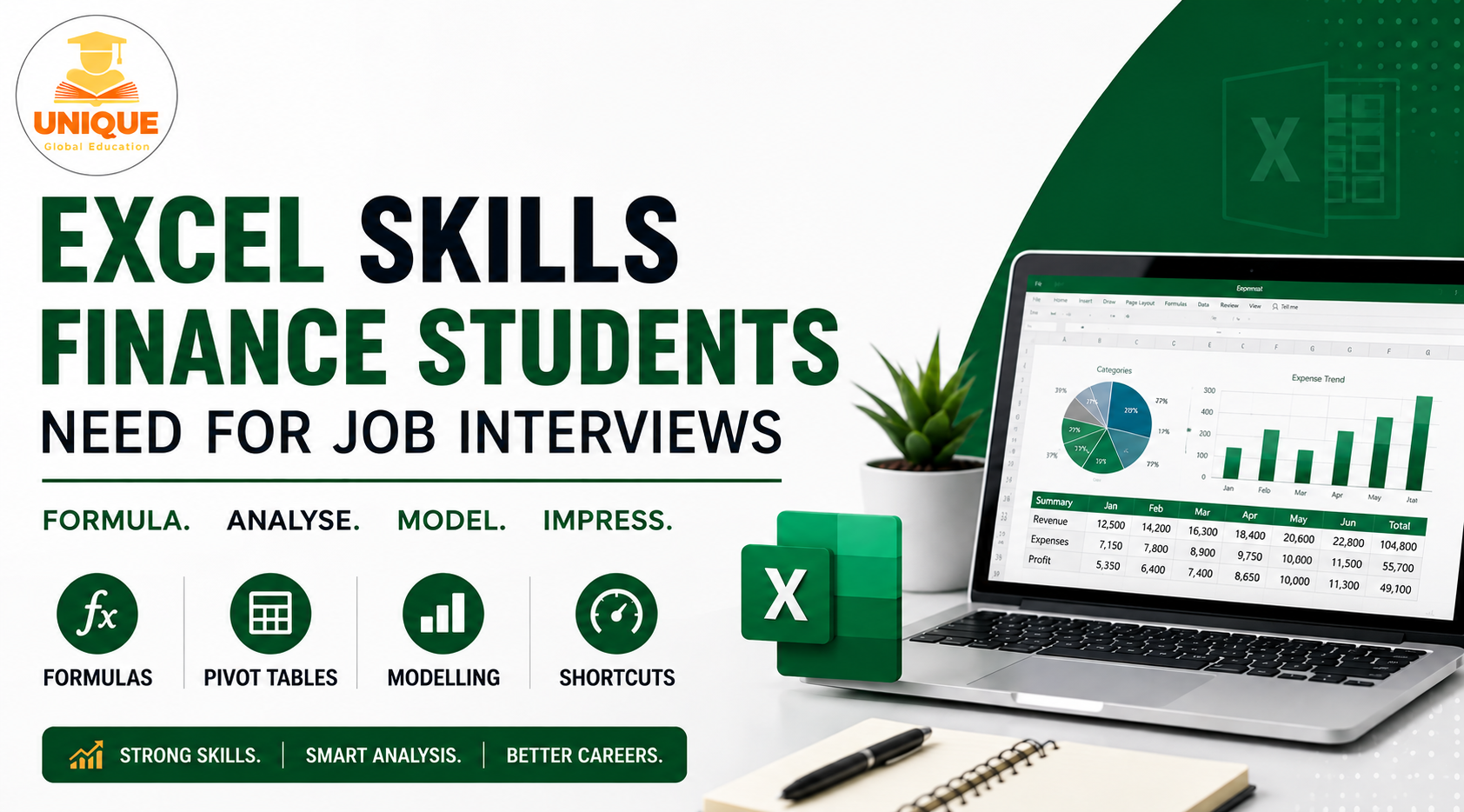
Excel Skills for Finance Students often matter more in job interviews than candidates expect. I once sat next to a candidate waiting for the same interview, both of us clutching printouts of our resumes, both equally nervous. He mentioned casually that he’d been prepping for weeks, mostly reading up on valuation theory and financial ratios. When his turn came, the interviewer skipped the theory almost entirely and just said, open Excel, build me a quick amortization schedule.
He sat there for a good ten minutes just trying to remember the syntax for a basic function. I watched the whole thing happen because I was next in line, and honestly it made me go back and rethink my own prep that same evening.
That’s the thing nobody tells finance students clearly enough. Excel Skills for Finance Students aren’t about memorizing formulas from a textbook. Interviewers want to see whether you can sit down, work under mild pressure, and actually build something in Excel that works. A surprising number of students, even really bright ones, freeze when the task moves beyond theory.
So let me walk through what actually comes up, based on what I’ve seen across interviews I’ve either given, sat through, or heard about secondhand from people I’ve mentored.
Table of Contents
Start With the Formulas That Actually Get Used, Not the Fancy Ones
Excel Skills for Finance Students shouldn’t stop at the basics, but it’s tempting to jump straight to macros or Power Query because they sound impressive. Most interviews, however, test the fundamentals first, since those are the skills you’ll actually use every day on the jo
VLOOKUP still shows up constantly, though INDEX MATCH has quietly become the preferred version among people who work with large datasets, mainly because it doesn’t break when columns get inserted or deleted.
If you only know one of the two, learn both, because interviewers sometimes ask you to explain why one is better than the other, and that question alone filters out people who’ve only memorized syntax without understanding it.
SUMIF and SUMIFS come up constantly too, especially in anything involving budgets or expense categorization. Nested IF statements are another one that trips people up, not because the logic is hard, but because writing five IFs stacked inside each other without losing track of your brackets takes actual practice, not just familiarity.
Visit Unique Global Education for more Finance Related Updates
Pivot Tables Matter More Than Most Students Expect
I’ve noticed a strange gap here. Students often know pivot tables exist and can technically build one if walked through it step by step. But ask them to use one to actually answer a specific business question, say, which region had the highest expense growth last quarter, and things fall apart.
The skill isn’t knowing the pivot table exists. It’s knowing how to shape raw, messy data into something a pivot table can actually summarize cleanly. That usually means understanding how to structure your source data properly in the first place, which is honestly half the real skill.
Basic Financial Modelling Logic Comes Up More Than You’d Think
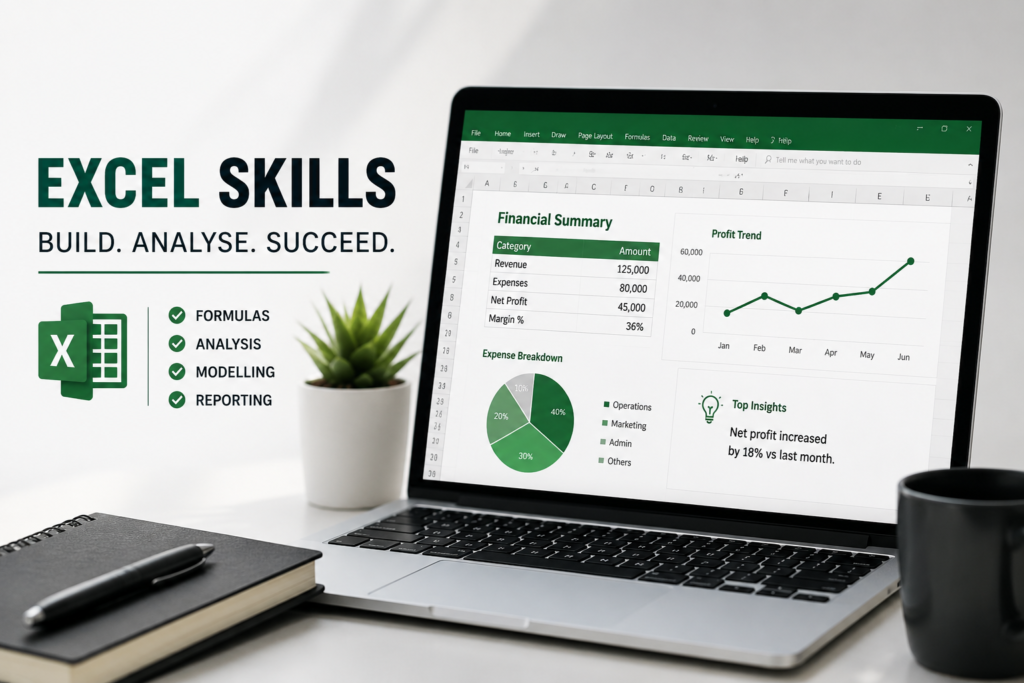
Excel Skills for Finance Students also include basic financial modelling, even for roles that aren’t heavily focused on modelling. Interviewers often include a small modelling task to see how you approach a problem. Building a simple loan amortization schedule, linking a basic three-statement model, or calculating a company’s free cash flow from an income statement can come up more often than students expect.
What matters isn’t building something complicated. It’s building something clean, with numbers that actually tie out and formulas that don’t break if you change a single input cell.
This is also where circular reference issues tend to trip people up unexpectedly, especially in interest expense calculations that depend on a cash balance that itself depends on interest expense. Knowing how to handle that, or at least explain why it happens, tends to separate someone who’s actually built models before from someone who’s only watched tutorials.
Data Cleaning Skills Nobody Talks About Enough
This one surprised me when I first started noticing it. A huge chunk of real analyst work isn’t glamorous modelling; it’s cleaning messy data before you can even start analyzing it. Removing duplicates, handling blank cells properly, using TEXT functions to fix inconsistent formatting, using TRIM to clean up stray spaces that mess up your lookups without you realizing why.
None of this feels exciting to practice, but interviewers who’ve actually worked with real company data know exactly how often this trips up junior hires, and some specifically test for it.
Shortcuts and Speed Actually Get Noticed
I used to think keyboard shortcuts were a minor thing, almost cosmetic. Then I sat in on an interview panel discussion afterward where two interviewers specifically commented on how one candidate navigated Excel noticeably faster than the other, purely because of shortcut familiarity.
Ctrl plus arrow keys to jump across data, Ctrl plus Shift plus L for filters, F4 to lock cell references while writing formulas. It sounds small, but under interview time pressure, someone fumbling with a mouse to do everything manually visibly stands out, and not in a good way.
What I’d Actually Tell a Student Prepping This Week
Don’t try to learn everything at once, and definitely don’t just watch tutorial videos passively thinking that counts as practice. Pick a real, slightly messy dataset, maybe pull a company’s financials from an annual report, and force yourself to build something from it.
A summary table, a small model, a pivot-based report. You’ll hit errors. Formulas will break. That’s genuinely fine, because that struggle is what actually builds the muscle memory interviewers are testing for. Reading about a VLOOKUP and actually debugging why your VLOOKUP is returning an error are two completely different skills, and only one of them gets you through an interview.
For More Detailed Visit Unique global education
Frequently Asked Questions
Learn both. VLOOKUP isn’t going anywhere, you’ll see it in every other workplace, so skipping it isn’t an option. But INDEX MATCH is what experienced analysts actually reach for, and interviewers love asking why. If you only know VLOOKUP, it’s pretty obvious you’ve stopped at the basic tutorial stage.
You don’t need to go deep into valuation or anything IB-specific, but you should be able to put together a basic three statement model or a simple loan schedule. Interviewers often hand out small modelling tasks not to test finance theory, but to see how you think and how clean your spreadsheet logic is.
They notice more than most students think. It won’t make or break an interview by itself, but in a timed practical round, if two candidates are otherwise equal, the one who’s clearly faster and more comfortable with shortcuts tends to edge ahead.
Data cleaning, easily. Everyone drills formulas and modelling and completely ignores this, but so much of real analyst work is just cleaning up messy data before you can even start analyzing it. TRIM, TEXT, handling duplicates, these barely get practiced, yet they show up all the time on the job.
Yes, prepare them regardless. Most JDs don’t even bother listing Excel skills because it’s assumed you already have them. Pivot tables come up constantly in interviews because they’re a fast, practical way to check if you can actually handle real data, not just explain the concept.