

If you have ever sat with your registration letter in one hand and your laptop open in the other, trying to figure out where to even begin with ACCA, this one is for you. The ACCA portal confuses a lot of people at first. Not because it is badly built, but because nobody really walks you through it properly. You just get your login details and a welcome email and suddenly you are expected to figure everything out yourself.
That changes today.
Table of Contents
What Is the ACCA Portal and Why Is It Important?
The portal is basically where your entire ACCA life happens online. Results, exam registration, study resources, your membership record, CPD tracking once you qualify. Everything sits in one place under your account. Think of it less like a website and more like a personal file that ACCA keeps on you, except you can actually access it and manage it yourself.
In 2026 the interface has genuinely improved. Pages load faster, the mobile experience is far less frustrating than it used to be, and finding things does not require clicking through endless menus anymore. Students who used the portal two or three years ago will notice the difference immediately.
How to Log In to the ACCA Portal
The address you want is myacca.accaglobal.com. Save it in your browser right now because you will be visiting it more than you expect.
To get in you need your ACCA registration number and your password. Your registration number is on the welcome letter ACCA sent when you first joined, or in the original registration confirmation email. It is not something you create yourself, ACCA assigns it to you. Your password is whatever you set up when you first created your account.
Type both in, click Sign In, and you should be straight through.
Problems happen though. If your password is not working, go to Forgot Password and ACCA will email a reset link to the address on your account. That email sometimes lands in spam so check there before assuming something is broken. If the email on your account is old and you no longer have access to it, the only way forward is calling or emailing ACCA support directly and going through identity verification with them. It is a bit of a process but they do sort it out.
Also worth knowing: the portal logs you out automatically after a period of inactivity. So if you walk away from your laptop for an hour and come back to find yourself on the login page, nothing went wrong. Just sign in again.
Get More Details About ACCA
What You See After Logging Into myACCA
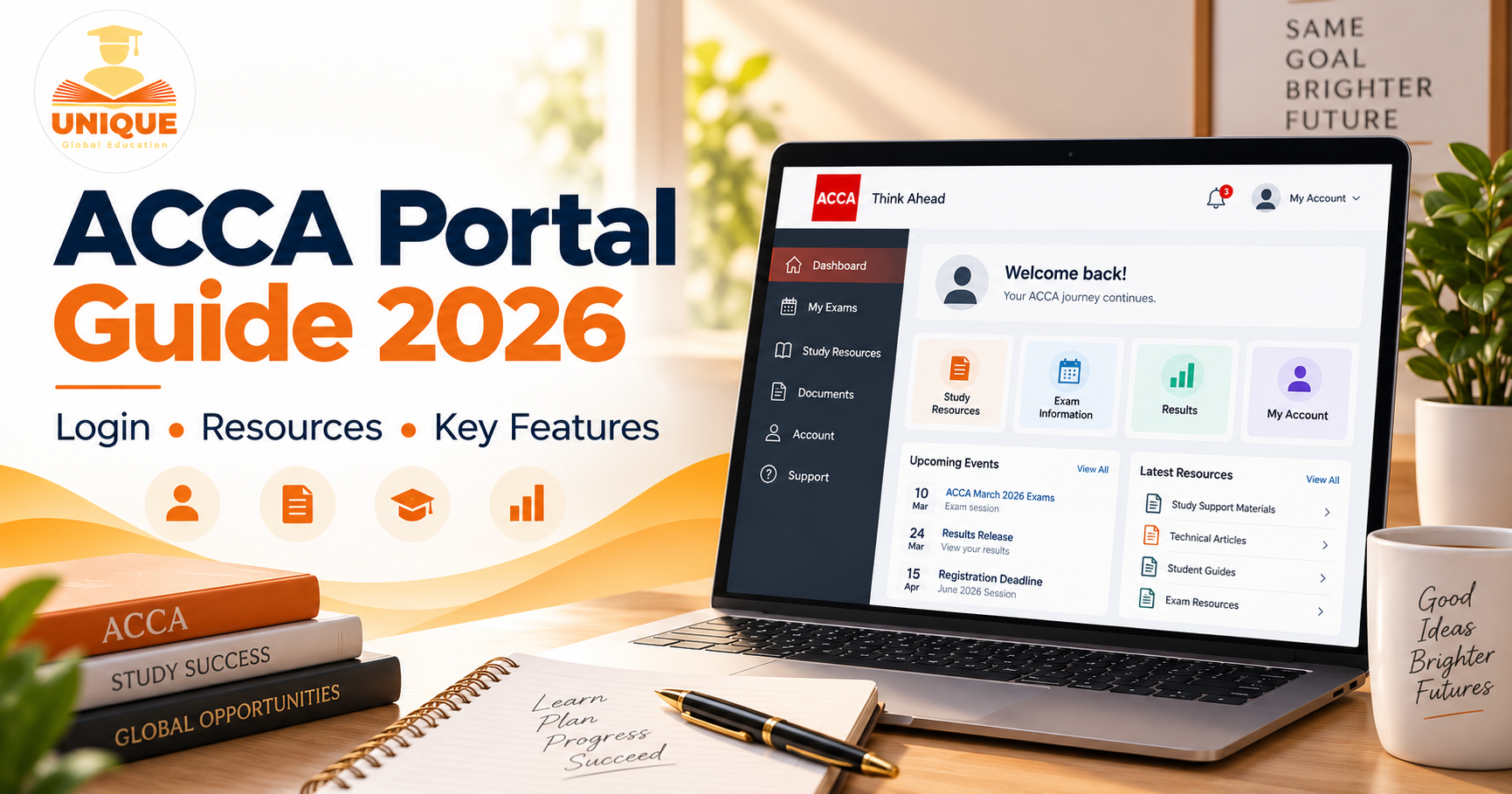
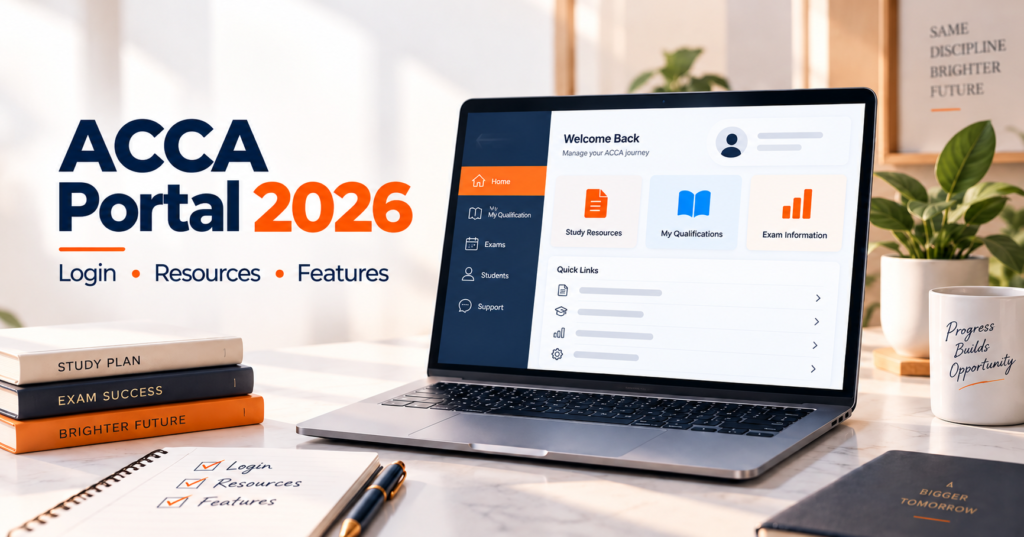
The dashboard is your landing page and in 2026 it is much more useful than it used to be. At a glance you can see upcoming exam deadlines, any active exam entries you have already made, messages from ACCA, and shortcuts to the sections you probably use most.
The left side has the main navigation menu. The bell icon near the top handles notifications. Anything ACCA needs to tell you, fee reminders, result updates, exemption changes, shows up there. Get into the habit of checking it each time you log in rather than waiting for an email to nudge you.
Entering for Exams Without Making a Mess of It
Exam entry is the thing most students get wrong at least once, usually because they left it too late or clicked through too quickly. Here is how to do it properly.
Go to My Exams in the left menu and select Enter for Exams. Choose your session, March, June, September or December, and then pick the paper or papers you want to sit.
The part that catches people out is the deadline. ACCA runs a standard entry window and then a late entry window. If you miss the standard window, you pay more. If you miss the late window entirely you are out of that sitting with no exceptions and no refunds. Mark the standard entry deadline in your calendar with a two-week buffer before it. Do not treat the late deadline as your actual deadline.
After you confirm your entry, it appears in your dashboard. Your exam docket comes later, closer to the actual exam date, and you download it from the same exam section. You need it on the day so do not forget to grab it.
The Study Resources Most Students Never Bother With
Here is something worth knowing. A lot of ACCA students spend money on third party resources while completely ignoring what is sitting free inside their portal. That is backwards.
The Learning section has past exam papers stretching back years, each with a full marking scheme. Working through these is genuinely one of the most effective ways to prepare because you start to understand exactly what the exam is testing and how answers are supposed to be structured.
The examiner reports are even more valuable and most students never read them. After every sitting ACCA publishes a report written by the examiner themselves explaining where students scored well and where they fell apart. Reading a few of these before your exam is like being handed a cheat sheet for what not to do. The mistakes students make are often the same ones repeated sitting after sitting and you can simply choose not to repeat them.
There are also specimen papers for newer or restructured exams, and technical articles written by the people who actually set the questions. None of this is hidden. It is all sitting there in the portal waiting to be used.
Once You Qualify: CPD and Membership Management
Passing your exams is not the end of your relationship with the portal. As an affiliate or member, you are required to complete and record Continuing Professional Development every year. The portal is where that happens.
You log your CPD activity, declare your compliance, and keep your record up to date all through the same account. Missing this or ignoring it has real consequences for your membership standing, so build a habit of going in at least a couple of times a year to update it rather than scrambling at the end of December.
The Small Things That Save You Big Headaches
Keep your contact details current. If your email address changes and you do not update it in the portal under My Details, you will miss results notifications, fee reminders, and important ACCA communications. It takes less than five minutes to update and it is the kind of thing people only think about after something goes wrong.
Your annual subscription is also managed here under My Finances. ACCA sends reminders but the responsibility is yours. A lapsed subscription means a lapsed membership and getting it reinstated costs more time and money than just paying on time ever would.
FAQs About the ACCA Portal
Go back through your emails and search for anything from ACCA around the time you first registered. It will be in that original welcome message. If you genuinely cannot find it, your exam certificates also carry it. Last resort is contacting ACCA support who will verify who you are and give it to you.
It works on a phone and in 2026 the mobile layout is actually decent. For quick things like checking your exam entry status or reading a notification it is perfectly fine. For anything that involves reading through past papers or downloading multiple documents, a laptop or tablet makes the experience much more comfortable.
Not immediately. Results day tends to hit the portal hard and things can lag for a few hours. Give it the rest of the day before assuming something is wrong. If it still has not appeared by the following morning, then contact ACCA directly.
You might be able to. Go into your exam entry in the portal and check whether a change option is available. If it is not visible it usually means the window for changes has closed. In that case contact ACCA support straight away and explain the situation. The earlier you flag it the more likely they can help.
First check whether ACCA is doing maintenance. They occasionally take the portal down for updates and will usually mention it on their social media. If there is no maintenance happening and you are still locked out, try the password reset first. If that does not resolve it, get in touch with ACCA support with your registration number ready so they can look into your account directly.